babyclaw
®

- Prep for meetings
- Summarize my inbox
- Plan my week
- Find cheap flights
- Book a meeting
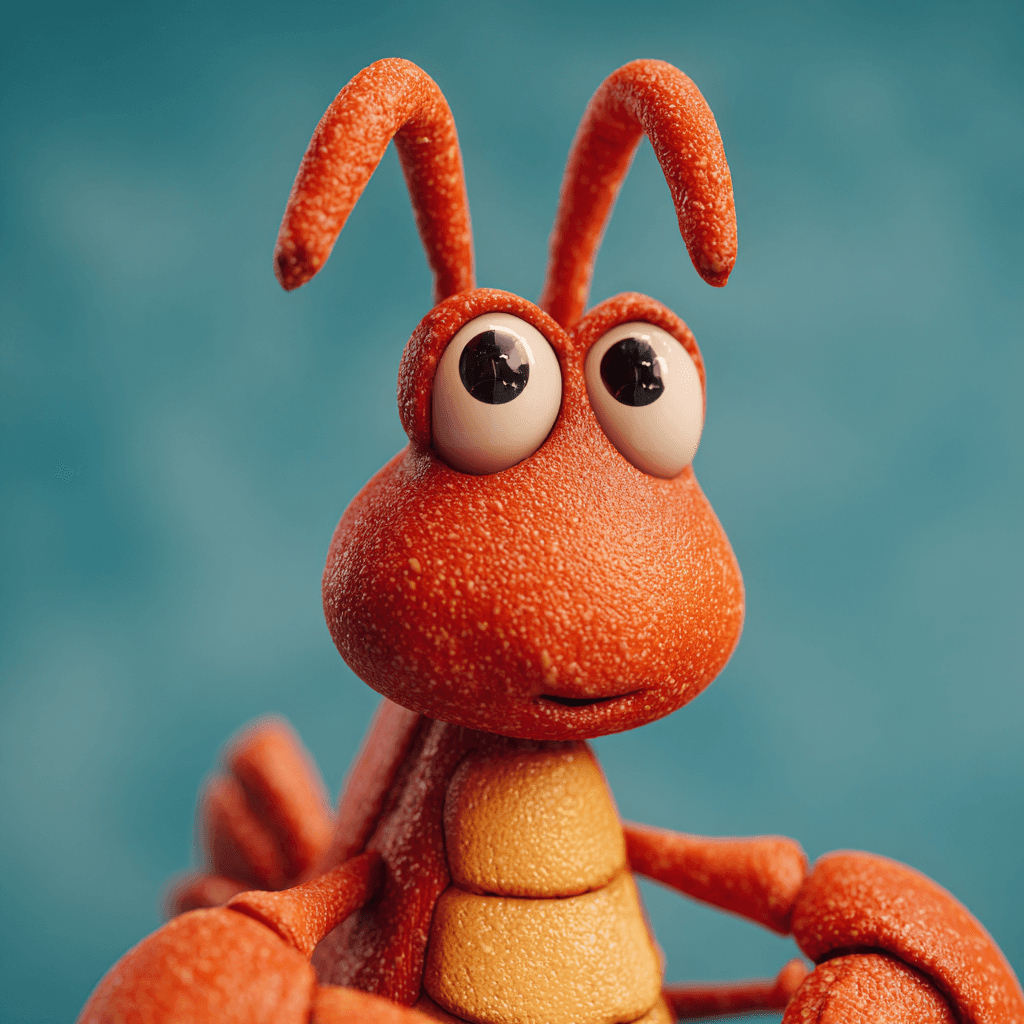
Meet BabyClaw
Meet BabyClaw
Your AI Agent Across Everything You Do.
How it works
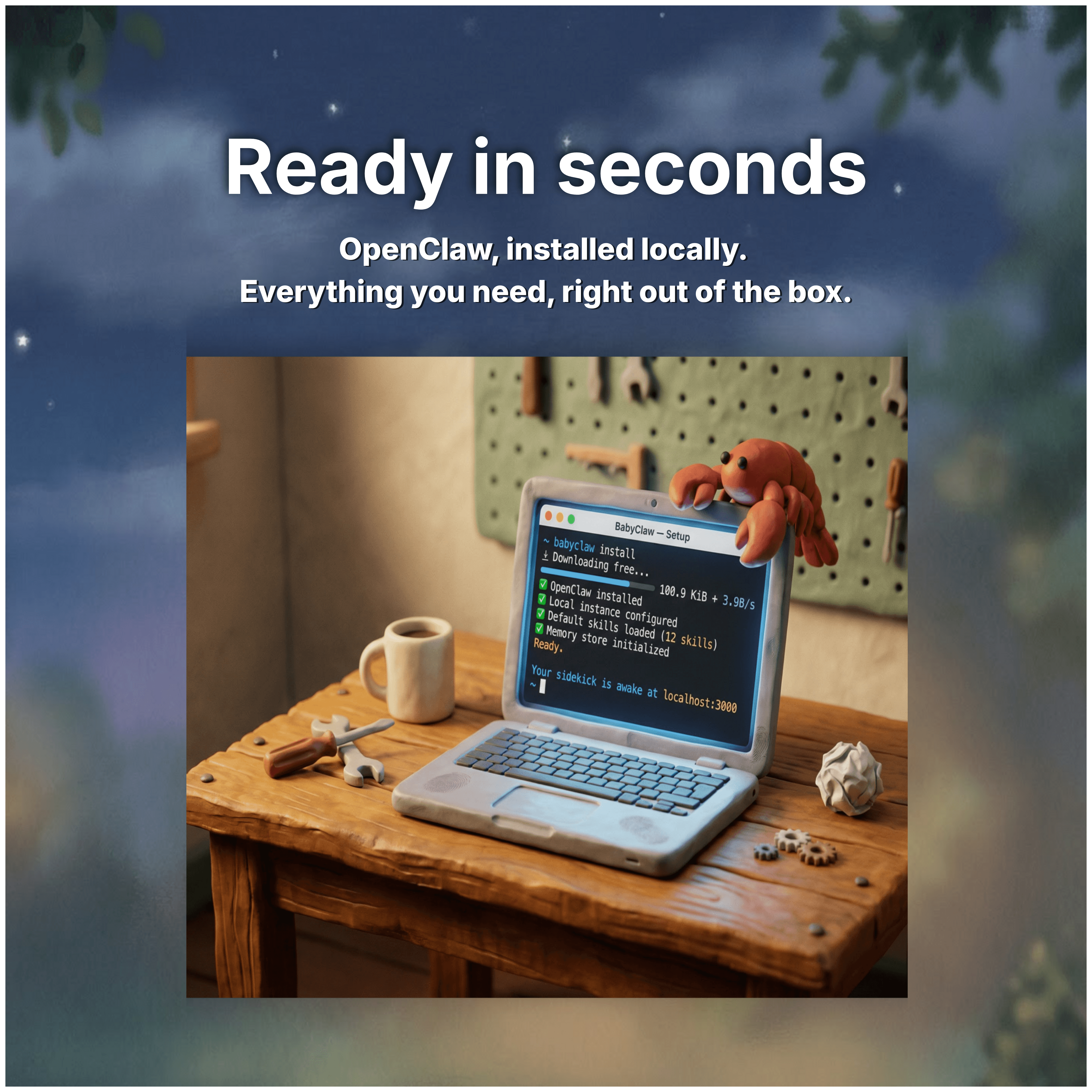
From download to done.
In under a minute.
®
babyclaw
60 seconds
Easy Setup
You're up and running before your coffee's ready.
- Book a meeting
- Send a message
- Summarize my inbox
- Plan my week
- Follow up for me
- Prep for meetings
- Plan a trip
- Find cheap flights
- Find that restaurant
- Coordinate dinner plans
- Never miss a birthday
- Remember everything
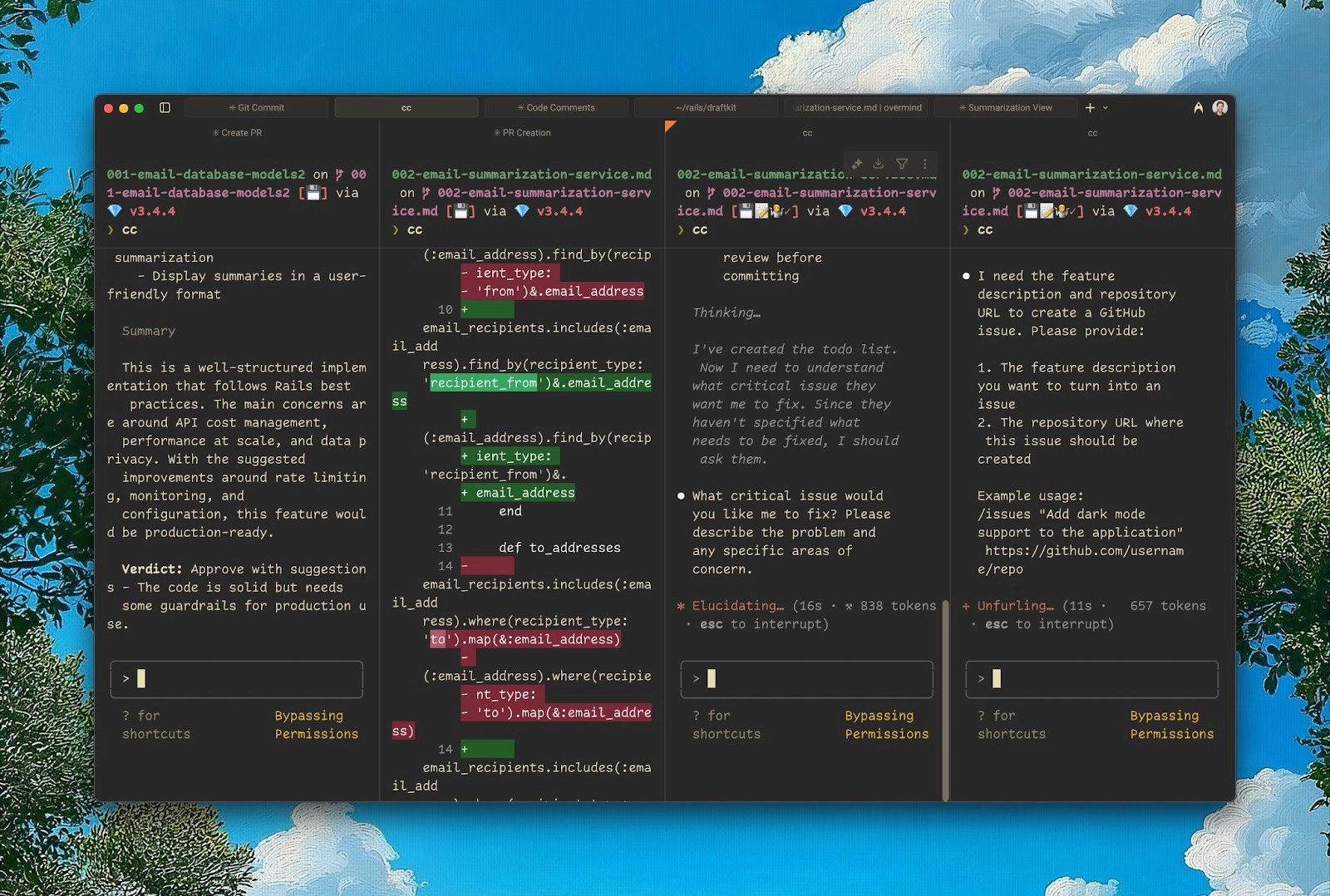
Built Around You
Choose your skills. Connect your favorite applications.


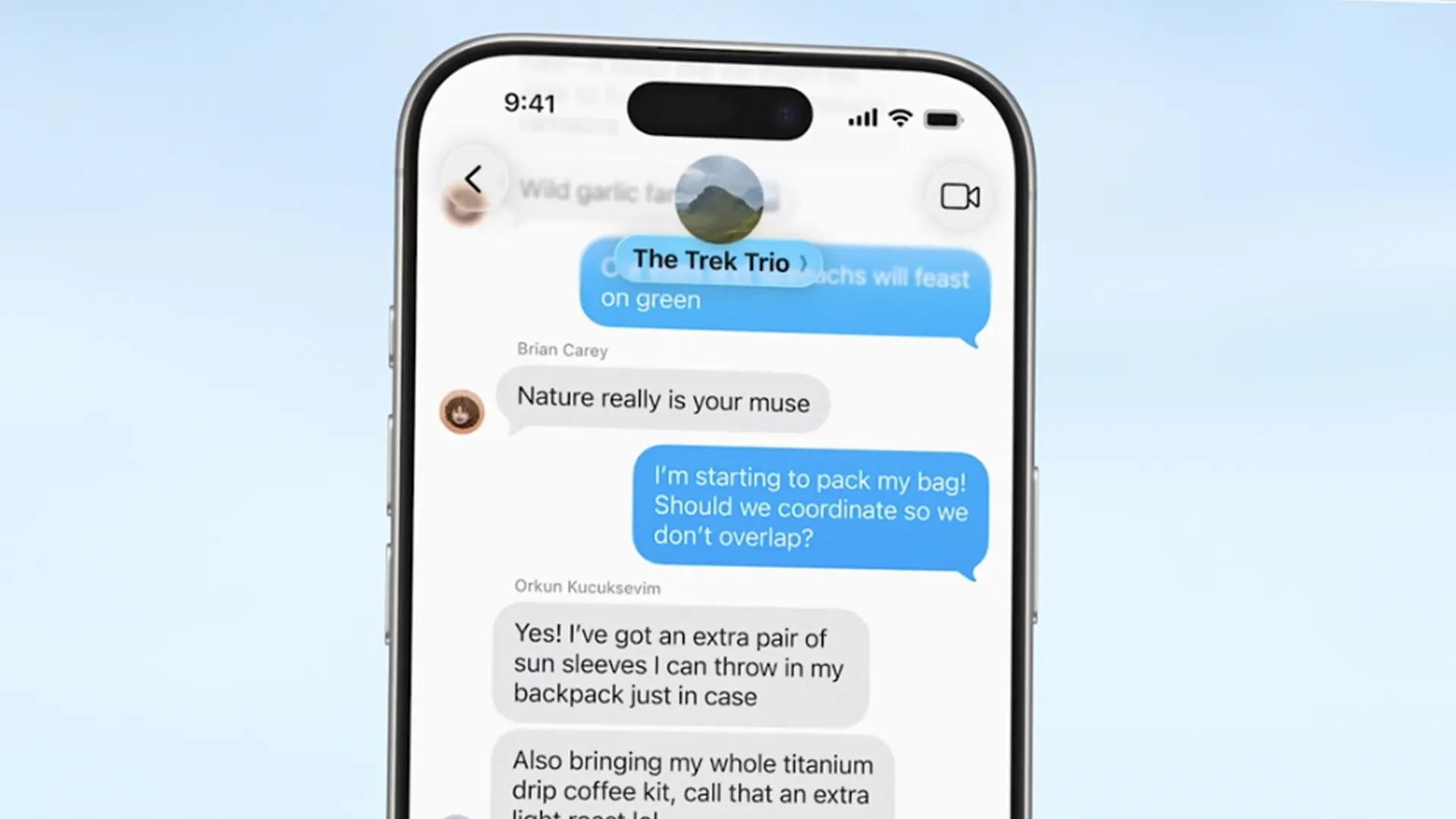
You Control the Access
Your data stays on your machine. Grant the permissions you need.
Powered by
" height="30px" id="Y3_A6MKIO" width="30px"/></svg>)
" height="30px" id="ZLEGhWuzK" width="30px"/></svg>)
" height="25px" id="ovtyIJWYv" transform="translate(6 0)" width="25px"/></svg>)
" height="30px" id="EVEoenNbS" width="30px"/></svg>)
" height="30px" id="jhoVJEDA_" width="40px"/></svg>)
" height="14.667198699512277px" id="WA6LDk4yV" width="11.333272259101543px"/></svg>)
" height="30.00000108445294px" id="ivLlniVdo" width="30px"/></svg>)
" height="30.00000029900093px" id="BiV8rosH_" width="29.999999716275397px"/></svg>)
" height="28px" id="ZHkCB5VJi" width="35px"/></svg>)





Unlimited possibilities across your workflow.
Features
Everything you need. Nothing you don't.
One-click setup
Installed and running before your coffee's ready.
Skills library
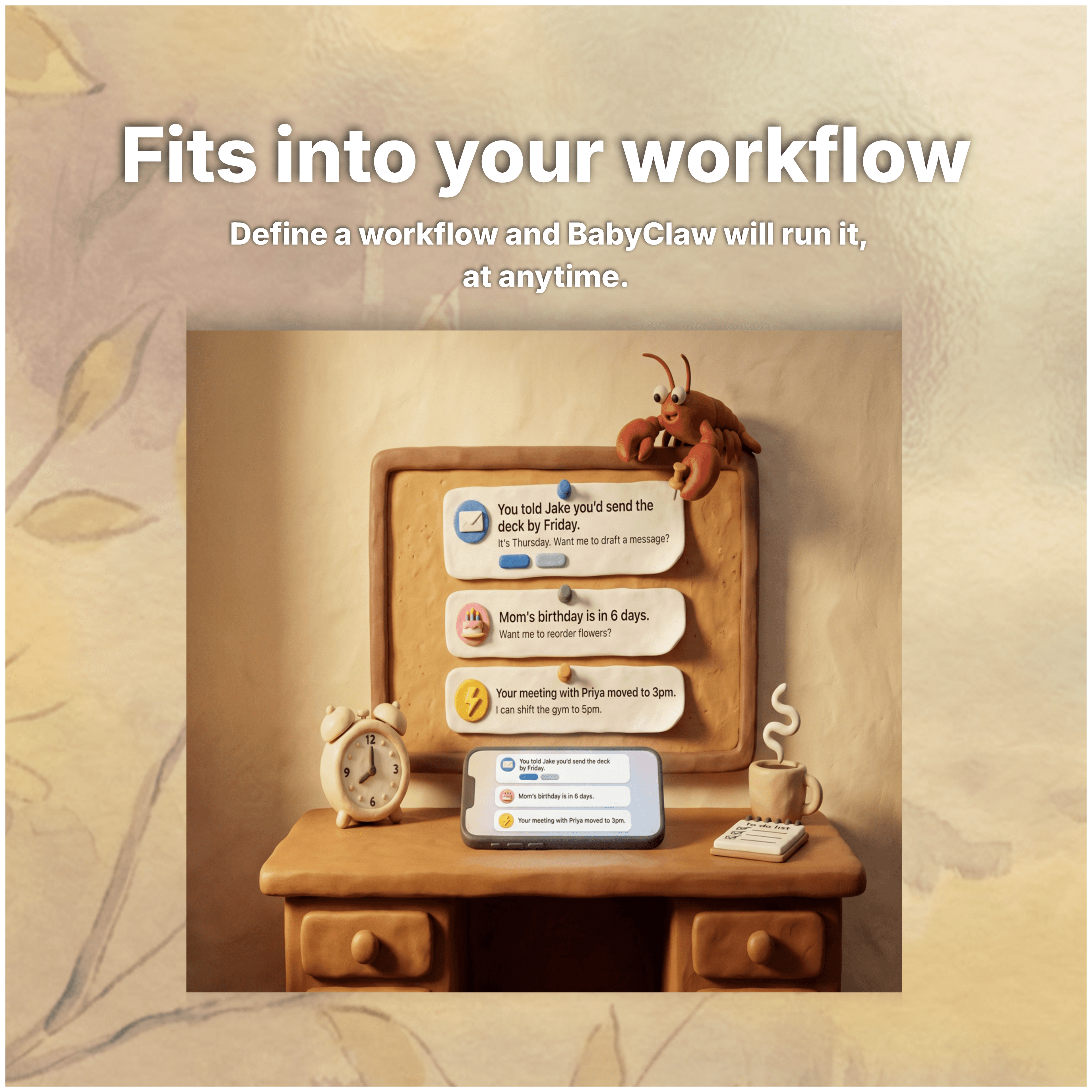
Preconfigured skills that take action, not just give answers.
Every app
Email, calendar, browser, and more. One agent across all of it.
You're in control
You choose what BabyClaw can access. Private by design.
Learns from you
Adapts to how you work the more you use it.
Your tools, built in
Plugs into the apps already on your dock.
Testimonials
Many use cases across several teams.

Alex F.
Marketing Lead, BabyDna
No sign-up, no account, runs on my machine. That alone was enough to try it. The fact that it's actually good? That's what made me stay.

Eli R.
Product Lead, Whrev
The skills are what sold me. I connected my calendar, email, and tasks in minutes. Claw just handles it now. I barely think about it.

Maya K.
Founder, Haptic
I used to juggle five apps just to plan my day. Now I tell Claw and it's done. It feels like having an assistant who actually remembers how I work.

Tina Z.
Creative Director, Octave
I was skeptical about another AI tool. But Claw is different — it actually does things, not just talks about them. My week feels lighter already.

Jared C.
Founder, Nimbus
Tell BabyClaw once how you like things done, and it remembers. The first AI that actually learns from you.
Alex F.
Marketing Lead, BabyDna
No sign-up, no account, runs on my machine. That alone was enough to try it. The fact that it's actually good? That's what made me stay.
Eli R.
Product Lead, Whrev
The skills are what sold me. I connected my calendar, email, and tasks in minutes. Claw just handles it now. I barely think about it.
Maya K.
Founder, Haptic
I used to juggle five apps just to plan my day. Now I tell Claw and it's done. It feels like having an assistant who actually remembers how I work.
Tina Z.
Creative Director, Octave
I was skeptical about another AI tool. But Claw is different — it actually does things, not just talks about them. My week feels lighter already.
Jared C.
Founder, Nimbus
Tell BabyClaw once how you like things done, and it remembers. The first AI that actually learns from you.
Alex F.
Marketing Lead, BabyDna
No sign-up, no account, runs on my machine. That alone was enough to try it. The fact that it's actually good? That's what made me stay.
Eli R.
Product Lead, Whrev
The skills are what sold me. I connected my calendar, email, and tasks in minutes. Claw just handles it now. I barely think about it.
Maya K.
Founder, Haptic
I used to juggle five apps just to plan my day. Now I tell Claw and it's done. It feels like having an assistant who actually remembers how I work.
Tina Z.
Creative Director, Octave
I was skeptical about another AI tool. But Claw is different — it actually does things, not just talks about them. My week feels lighter already.
Jared C.
Founder, Nimbus
Tell BabyClaw once how you like things done, and it remembers. The first AI that actually learns from you.
Alex F.
Marketing Lead, BabyDna
No sign-up, no account, runs on my machine. That alone was enough to try it. The fact that it's actually good? That's what made me stay.
Eli R.
Product Lead, Whrev
The skills are what sold me. I connected my calendar, email, and tasks in minutes. Claw just handles it now. I barely think about it.
Maya K.
Founder, Haptic
I used to juggle five apps just to plan my day. Now I tell Claw and it's done. It feels like having an assistant who actually remembers how I work.
Tina Z.
Creative Director, Octave
I was skeptical about another AI tool. But Claw is different — it actually does things, not just talks about them. My week feels lighter already.
Jared C.
Founder, Nimbus
Tell BabyClaw once how you like things done, and it remembers. The first AI that actually learns from you.
Testimonials
Many use cases across several teams.
Alex F.
Marketing Lead, BabyDna
No sign-up, no account, runs on my machine. That alone was enough to try it. The fact that it's actually good? That's what made me stay.
Eli R.
Product Lead, Whrev
The skills are what sold me. I connected my calendar, email, and tasks in minutes. Claw just handles it now. I barely think about it.
Maya K.
Founder, Haptic
I used to juggle five apps just to plan my day. Now I tell Claw and it's done. It feels like having an assistant who actually remembers how I work.
Tina Z.
Creative Director, Octave
I was skeptical about another AI tool. But Claw is different — it actually does things, not just talks about them. My week feels lighter already.
Jared C.
Founder, Nimbus
Tell BabyClaw once how you like things done, and it remembers. The first AI that actually learns from you.
Alex F.
Marketing Lead, BabyDna
No sign-up, no account, runs on my machine. That alone was enough to try it. The fact that it's actually good? That's what made me stay.
Eli R.
Product Lead, Whrev
The skills are what sold me. I connected my calendar, email, and tasks in minutes. Claw just handles it now. I barely think about it.
Maya K.
Founder, Haptic
I used to juggle five apps just to plan my day. Now I tell Claw and it's done. It feels like having an assistant who actually remembers how I work.
Tina Z.
Creative Director, Octave
I was skeptical about another AI tool. But Claw is different — it actually does things, not just talks about them. My week feels lighter already.
Jared C.
Founder, Nimbus
Tell BabyClaw once how you like things done, and it remembers. The first AI that actually learns from you.
Alex F.
Marketing Lead, BabyDna
No sign-up, no account, runs on my machine. That alone was enough to try it. The fact that it's actually good? That's what made me stay.
Eli R.
Product Lead, Whrev
The skills are what sold me. I connected my calendar, email, and tasks in minutes. Claw just handles it now. I barely think about it.
Maya K.
Founder, Haptic
I used to juggle five apps just to plan my day. Now I tell Claw and it's done. It feels like having an assistant who actually remembers how I work.
Tina Z.
Creative Director, Octave
I was skeptical about another AI tool. But Claw is different — it actually does things, not just talks about them. My week feels lighter already.
Jared C.
Founder, Nimbus
Tell BabyClaw once how you like things done, and it remembers. The first AI that actually learns from you.
Alex F.
Marketing Lead, BabyDna
No sign-up, no account, runs on my machine. That alone was enough to try it. The fact that it's actually good? That's what made me stay.
Eli R.
Product Lead, Whrev
The skills are what sold me. I connected my calendar, email, and tasks in minutes. Claw just handles it now. I barely think about it.
Maya K.
Founder, Haptic
I used to juggle five apps just to plan my day. Now I tell Claw and it's done. It feels like having an assistant who actually remembers how I work.
Tina Z.
Creative Director, Octave
I was skeptical about another AI tool. But Claw is different — it actually does things, not just talks about them. My week feels lighter already.
Jared C.
Founder, Nimbus
Tell BabyClaw once how you like things done, and it remembers. The first AI that actually learns from you.
Testimonials
Many use cases across several teams.
Alex F.
Marketing Lead, BabyDna
No sign-up, no account, runs on my machine. That alone was enough to try it. The fact that it's actually good? That's what made me stay.
Eli R.
Product Lead, Whrev
The skills are what sold me. I connected my calendar, email, and tasks in minutes. Claw just handles it now. I barely think about it.
Maya K.
Founder, Haptic
I used to juggle five apps just to plan my day. Now I tell Claw and it's done. It feels like having an assistant who actually remembers how I work.
Tina Z.
Creative Director, Octave
I was skeptical about another AI tool. But Claw is different — it actually does things, not just talks about them. My week feels lighter already.
Jared C.
Founder, Nimbus
Tell BabyClaw once how you like things done, and it remembers. The first AI that actually learns from you.
Alex F.
Marketing Lead, BabyDna
No sign-up, no account, runs on my machine. That alone was enough to try it. The fact that it's actually good? That's what made me stay.
Eli R.
Product Lead, Whrev
The skills are what sold me. I connected my calendar, email, and tasks in minutes. Claw just handles it now. I barely think about it.
Maya K.
Founder, Haptic
I used to juggle five apps just to plan my day. Now I tell Claw and it's done. It feels like having an assistant who actually remembers how I work.
Tina Z.
Creative Director, Octave
I was skeptical about another AI tool. But Claw is different — it actually does things, not just talks about them. My week feels lighter already.
Jared C.
Founder, Nimbus
Tell BabyClaw once how you like things done, and it remembers. The first AI that actually learns from you.
Alex F.
Marketing Lead, BabyDna
No sign-up, no account, runs on my machine. That alone was enough to try it. The fact that it's actually good? That's what made me stay.
Eli R.
Product Lead, Whrev
The skills are what sold me. I connected my calendar, email, and tasks in minutes. Claw just handles it now. I barely think about it.
Maya K.
Founder, Haptic
I used to juggle five apps just to plan my day. Now I tell Claw and it's done. It feels like having an assistant who actually remembers how I work.
Tina Z.
Creative Director, Octave
I was skeptical about another AI tool. But Claw is different — it actually does things, not just talks about them. My week feels lighter already.
Jared C.
Founder, Nimbus
Tell BabyClaw once how you like things done, and it remembers. The first AI that actually learns from you.
Alex F.
Marketing Lead, BabyDna
No sign-up, no account, runs on my machine. That alone was enough to try it. The fact that it's actually good? That's what made me stay.
Eli R.
Product Lead, Whrev
The skills are what sold me. I connected my calendar, email, and tasks in minutes. Claw just handles it now. I barely think about it.
Maya K.
Founder, Haptic
I used to juggle five apps just to plan my day. Now I tell Claw and it's done. It feels like having an assistant who actually remembers how I work.
Tina Z.
Creative Director, Octave
I was skeptical about another AI tool. But Claw is different — it actually does things, not just talks about them. My week feels lighter already.
Jared C.
Founder, Nimbus
Tell BabyClaw once how you like things done, and it remembers. The first AI that actually learns from you.
FAQs
Frequently Asked Questions
How do I install BabyClaw?
Download the app, open it, and you're running. No account needed. No setup wizard. Takes about 60 seconds.
Do I need an account to use BabyClaw?
No. You can run BabyClaw completely without an account. Sign up to get access to the latest skills, new features, and managed API access so you can skip the setup and get straight to work.
What are skills?
Skills are specific actions BabyClaw can take, like drafting emails, prepping for meetings, scheduling across calendars, or summarizing documents. You pick the ones you want and BabyClaw runs them.
What apps does BabyClaw connect to?
Some of your favorite apps, tons of skills to choose from. Gmail, Google Calendar, Slack, Notion, Chrome, WhatsApp, Telegram, Discord, and more.
Is my data private?
Yes. BabyClaw runs locally on your machine. You choose exactly which apps and data BabyClaw can access.
FAQs
Frequently Asked Questions
How do I install BabyClaw?
Download the app, open it, and you're running. No account needed. No setup wizard. Takes about 60 seconds.
Do I need an account to use BabyClaw?
No. You can run BabyClaw completely without an account. Sign up to get access to the latest skills, new features, and managed API access so you can skip the setup and get straight to work.
What are skills?
Skills are specific actions BabyClaw can take, like drafting emails, prepping for meetings, scheduling across calendars, or summarizing documents. You pick the ones you want and BabyClaw runs them.
What apps does BabyClaw connect to?
Some of your favorite apps, tons of skills to choose from. Gmail, Google Calendar, Slack, Notion, Chrome, WhatsApp, Telegram, Discord, and more.
Is my data private?
Yes. BabyClaw runs locally on your machine. You choose exactly which apps and data BabyClaw can access.
FAQs
Frequently Asked Questions
How do I install BabyClaw?
Download the app, open it, and you're running. No account needed. No setup wizard. Takes about 60 seconds.
Do I need an account to use BabyClaw?
No. You can run BabyClaw completely without an account. Sign up to get access to the latest skills, new features, and managed API access so you can skip the setup and get straight to work.
What are skills?
Skills are specific actions BabyClaw can take, like drafting emails, prepping for meetings, scheduling across calendars, or summarizing documents. You pick the ones you want and BabyClaw runs them.
What apps does BabyClaw connect to?
Some of your favorite apps, tons of skills to choose from. Gmail, Google Calendar, Slack, Notion, Chrome, WhatsApp, Telegram, Discord, and more.
Is my data private?
Yes. BabyClaw runs locally on your machine. You choose exactly which apps and data BabyClaw can access.